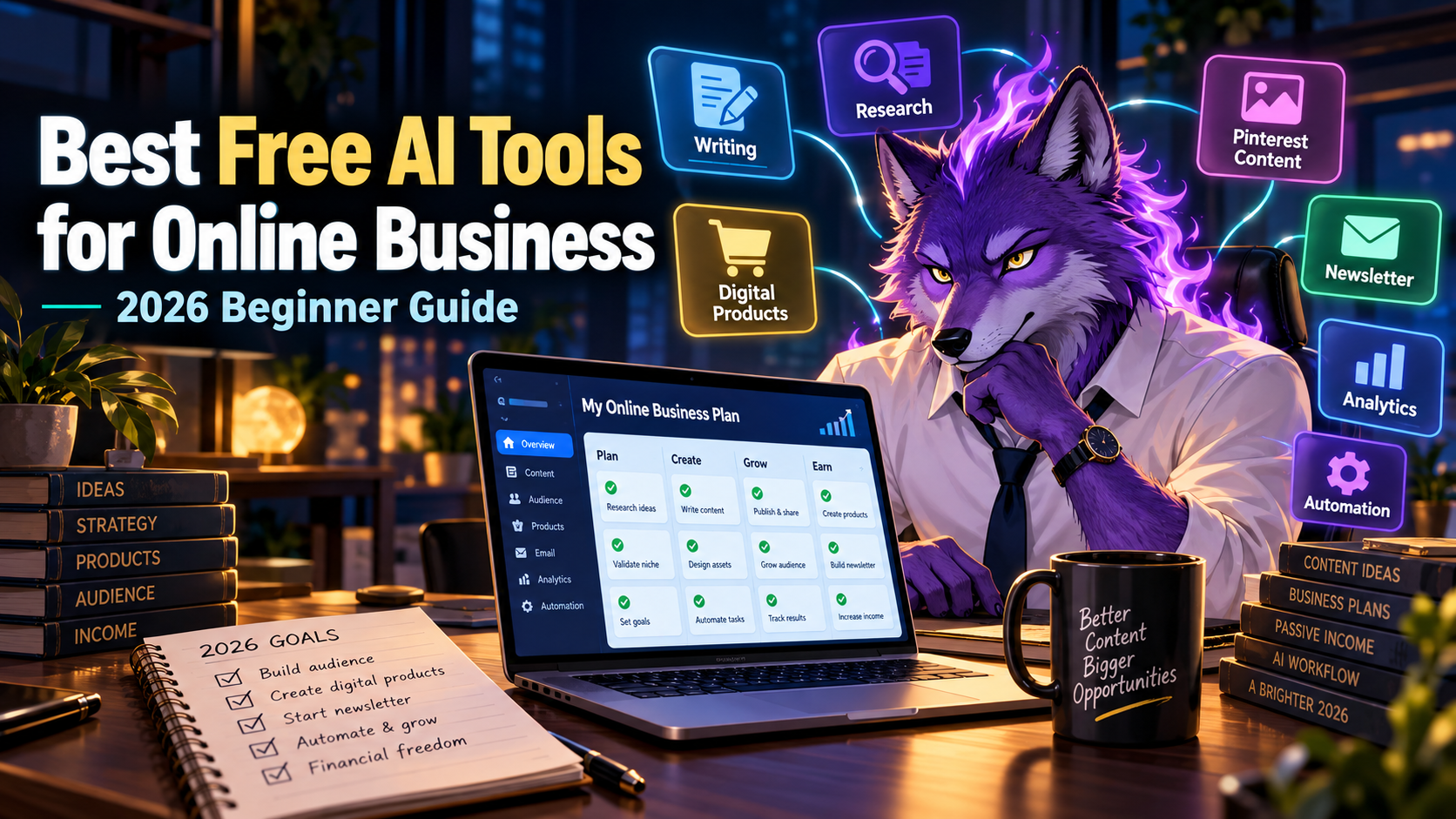
Starting an online business no longer requires expensive software, a large team, or a complicated tech stack.
In 2026, you can use free AI tools to write content, create visuals, plan offers, make presentations, research ideas, organize workflows, and even test simple digital products before spending money.
The important part is not using every AI tool you can find.
The important part is choosing the right free tools for the right stage of your online business.
This guide covers some of the best free AI tools for beginners who want to start an online business, side hustle, content brand, newsletter, affiliate site, or digital product business with little to no upfront cost.
- What Makes an AI Tool Useful for Online Business?
- 1. ChatGPT: Best Free AI Tool for Planning and Writing
- 2. Canva: Best Free Tool for Visual Content
- 3. Gamma: Best AI Tool for Presentations and Digital Products
- 4. Google Docs: Best Free Tool for Drafting and Collaboration
- 5. Notion: Best Free Tool for Organizing an Online Business
- 6. Perplexity: Best Free AI Tool for Research
- 7. CapCut: Best Free Tool for Short Video Content
- 8. ElevenLabs: Best AI Tool for Voiceovers
- 9. Google Sheets: Best Free Tool for Tracking Results
- 10. Substack: Best Free Tool for Building an Email Audience
- How to Use These Tools Together
- Best Free AI Tools by Business Type
- Common Mistakes Beginners Make
- Recommended Starting Stack
- Final Thoughts
What Makes an AI Tool Useful for Online Business?
A good AI tool for online business should help you do at least one of these things:
- Save time
- Create content faster
- Research ideas more clearly
- Improve your writing
- Turn ideas into assets
- Organize your work
- Help you test offers before spending money
The best tools are not always the most advanced tools. For beginners, the best tools are the ones that make it easier to take action consistently.
1. ChatGPT: Best Free AI Tool for Planning and Writing
ChatGPT is still one of the most useful free AI tools for starting an online business.
You can use it to brainstorm business ideas, write blog outlines, create product descriptions, generate email drafts, improve headlines, rewrite social media posts, and plan content calendars.
For example, if you want to start a simple affiliate blog, you can use ChatGPT to help you plan article topics around one niche.
Instead of asking for random ideas, use prompts like:
Give me 30 beginner-friendly blog post ideas for an online business website about free AI tools, side hustles, productivity, and digital products.
You can also use it to turn one idea into several content formats:
- Blog post outline
- Pinterest pin title
- Email newsletter topic
- Short video script
- Digital product idea
If you are starting from zero, ChatGPT is usually the first tool to learn because it helps with almost every part of the content and planning process.
2. Canva: Best Free Tool for Visual Content
Canva is one of the easiest free tools for creating visuals for an online business.
You can use it to design Pinterest pins, lead magnets, social media graphics, simple logos, thumbnails, worksheets, checklists, and digital product mockups.
If you are building traffic through Pinterest, Canva is especially useful because visual presentation matters.
A good Pinterest image can make the difference between a pin that gets ignored and a pin that gets saved or clicked.
For beginners, Canva is useful because you do not need to be a professional designer. You can start with templates, change the text, adjust the colors, and create multiple versions of the same idea.
3. Gamma: Best AI Tool for Presentations and Digital Products
Gamma is useful if your online business involves presentations, guides, simple reports, course material, client proposals, or digital products.
Instead of building slides manually from scratch, you can use Gamma to turn an idea into a polished presentation or visual document much faster.
This is useful for online business because many beginner-friendly offers can be packaged as simple visual assets:
- Mini courses
- Client proposals
- AI tool guides
- Strategy documents
- Lead magnets
- Presentation templates
If you want to offer freelance services, Gamma can also help you create cleaner client-facing materials without spending hours designing slides.
For example, you could create a simple “AI Content Plan for Local Businesses” and use it as a sample offer.
4. Google Docs: Best Free Tool for Drafting and Collaboration
Google Docs is not flashy, but it is still one of the most useful free tools for online business.
You can use it to draft blog posts, write email newsletters, organize product ideas, store client notes, and collaborate with others.
When combined with AI tools, Google Docs becomes a simple content production system.
A practical workflow looks like this:
- Use ChatGPT to brainstorm ideas.
- Create an outline.
- Draft the article in Google Docs.
- Edit for clarity.
- Move the final version into WordPress, Substack, or your chosen platform.
Simple systems usually beat complicated systems, especially when you are trying to publish consistently.
5. Notion: Best Free Tool for Organizing an Online Business
Notion is useful for organizing the moving parts of a small online business.
You can use it to manage content ideas, affiliate programs, keyword lists, product ideas, weekly tasks, newsletter topics, and publishing schedules.
If you are creating content across a blog, Pinterest, and email newsletter, organization becomes important quickly.
A simple Notion setup can include:
- Content calendar
- Blog post database
- Pinterest pin tracker
- Affiliate link tracker
- Newsletter ideas
- Digital product ideas
You do not need a complicated dashboard at the beginning. A simple table with status, title, URL, and notes is enough.
6. Perplexity: Best Free AI Tool for Research
Perplexity is useful for research because it can help you find information, compare tools, and understand a topic faster.
If you are writing blog posts or creating content for an online business, research matters.
You can use Perplexity to research:
- AI tool features
- Pricing changes
- Competitor alternatives
- Market trends
- Beginner questions
- Common problems in your niche
For content creators, this is helpful because good articles are not just lists of tools. They answer real questions and help readers make better decisions.
7. CapCut: Best Free Tool for Short Video Content
CapCut is useful if you want to repurpose your content into short videos.
You can turn blog ideas into short clips, create simple educational videos, add captions, and make content for TikTok, YouTube Shorts, Instagram Reels, or Pinterest video pins.
You do not need to become a full-time video creator to use short video strategically.
For example, one blog post can become:
- Three Pinterest pins
- One Substack newsletter
- Three short video ideas
- One checklist or lead magnet
This is how one piece of content becomes several traffic assets.
8. ElevenLabs: Best AI Tool for Voiceovers
ElevenLabs is useful if you want to create realistic voiceovers for videos, tutorials, product explainers, or content repurposing.
For online business, voice can help turn written content into more engaging media.
You could use AI voiceovers for:
- Short educational videos
- Product walkthroughs
- Faceless YouTube content
- Course previews
- Audio versions of written content
Voice content is not required for every beginner, but it can be useful once you already have blog posts, scripts, or educational content that can be repurposed.
9. Google Sheets: Best Free Tool for Tracking Results
Google Sheets is one of the most underrated tools for online business.
If you are using Pinterest, blogging, affiliate links, or email marketing, you need to track what is working.
A simple spreadsheet can help you track:
- Published articles
- Pin titles
- Outbound clicks
- Affiliate clicks
- Email subscribers
- Content ideas
- Revenue experiments
You do not need advanced analytics at the beginning. You need enough tracking to make better decisions.
If a Pinterest pin gets clicks, make more pins with a similar angle. If an article gets traffic, create related articles around the same topic.
10. Substack: Best Free Tool for Building an Email Audience
Traffic is useful, but an email list is more valuable over time.
Substack is a simple free platform for starting a newsletter without building a complicated email system.
If you are building an online business around AI tools, productivity, affiliate marketing, or digital products, a newsletter gives you a way to stay connected with readers after they leave your site.
A simple weekly newsletter can include:
- One useful AI tool
- One productivity tip
- One prompt
- One short recommendation
- One link back to your blog
This creates a stronger system than relying only on search or social traffic.
How to Use These Tools Together
The real power comes from combining tools into a simple workflow.
Here is a beginner-friendly workflow for starting an online business with free AI tools:
- Use ChatGPT to brainstorm content ideas.
- Use Perplexity to research the topic.
- Write the article in Google Docs.
- Create visuals in Canva.
- Use Gamma for presentations, guides, or lead magnets.
- Repurpose content into short videos with CapCut.
- Use ElevenLabs if you want voiceovers.
- Track results in Google Sheets.
- Send weekly updates through Substack.
This gives you a simple content engine without needing expensive software.
Best Free AI Tools by Business Type
Different online businesses need different tools.
For Affiliate Blogging
- ChatGPT for outlines and drafts
- Perplexity for research
- Canva for Pinterest images
- Google Sheets for tracking clicks
- Substack for email follow-up
For Freelance Services
- ChatGPT for proposals and service descriptions
- Gamma for client presentations
- Canva for portfolio visuals
- Google Docs for drafts and documents
- Notion for client tracking
For Digital Products
- ChatGPT for product ideas and structure
- Gamma for visual guides
- Canva for worksheets and mockups
- Notion for planning
- Substack for audience building
For Pinterest Traffic
- Canva for pin design
- ChatGPT for pin titles
- Google Sheets for tracking performance
- WordPress for blog posts
- Substack for collecting subscribers
Common Mistakes Beginners Make
The biggest mistake is trying to use too many tools at once.
You do not need 30 tools to start. You need a small workflow you can repeat.
Another mistake is creating content without a destination. A Pinterest pin should lead to a useful article. A blog post should lead to an email signup, affiliate link, or related article. A newsletter should bring readers back into your ecosystem.
The tools are only useful when they support a clear system.
Recommended Starting Stack
If you are starting from zero, keep it simple.
Here is a practical free AI tool stack for beginners:
- ChatGPT for writing and planning
- Canva for visuals
- Perplexity for research
- Google Docs for drafting
- Google Sheets for tracking
- Substack for email
Once you have content and traffic, you can add tools like Gamma, ElevenLabs, and more specialized AI platforms depending on your business model.
Final Thoughts
You do not need a big budget to start an online business in 2026.
You need a simple offer, useful content, consistent publishing, and a way to track what is working.
Free AI tools can help you move faster, but they do not replace strategy. The best approach is to use AI to create more useful assets: blog posts, pins, newsletters, guides, videos, and digital products.
Start with one workflow. Publish one useful piece of content. Create a few traffic assets around it. Track the results. Then repeat.
That is how a small online business starts becoming a real content asset over time.
Related guides:
- 25 Free AI Tools That Replace Paid Apps in 2026
- 10 AI Business Ideas You Can Start With No Money in 2026
- 7 Free AI Tools to Start a Side Hustle With No Money in 2026
Want weekly AI tools, prompts, and productivity ideas?
Subscribe to AI Productivity Hub on Substack.


コメント