Affiliate Disclosure: This article may contain affiliate links. If you purchase through these links, I may receive a small commission at no extra cost to you.
Starting a side hustle used to mean buying software before you even knew what you were doing.
You needed a design tool, a writing tool, a video editor, a website builder, a presentation app, and maybe a few subscriptions just to look professional.
That is not the case anymore.
In 2026, you can start testing simple AI side hustle ideas with free tools. Not a fake “get rich quick” version. A real, practical version where you use free plans to create samples, build simple offers, learn what clients need, and only upgrade when the work starts paying for itself.
The goal is not to collect every AI tool on the internet.
The goal is to build a small free toolkit that helps you do three things:
- Create something useful.
- Show proof of what you can do.
- Offer a simple service someone might pay for.
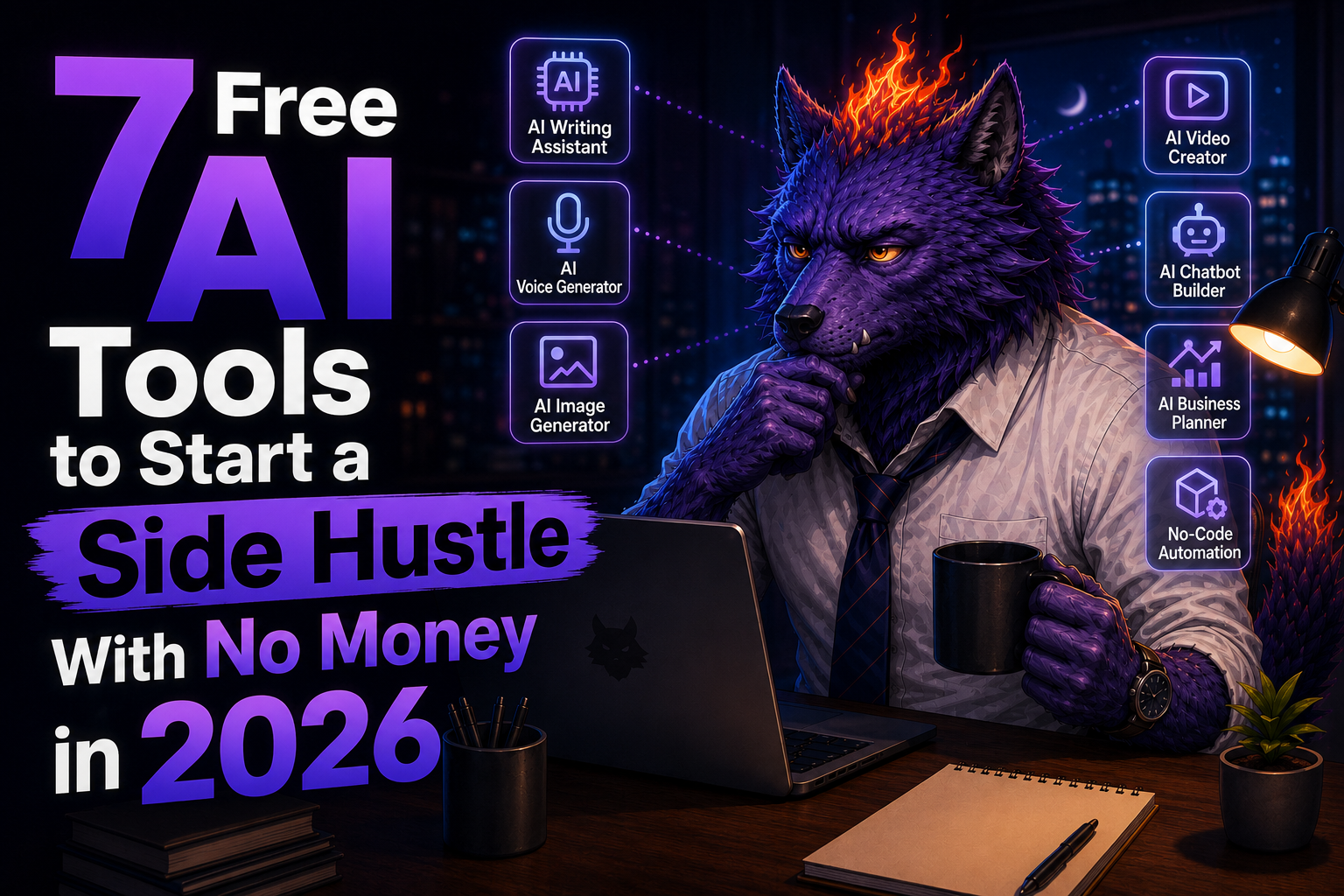
Below are seven free AI tools that can help you start with no software budget.
- Quick Answer: What Are the Best Free AI Tools for a No-Money Side Hustle?
- Before You Start: Free Does Not Mean Unlimited
- 1. ChatGPT – Best for Side Hustle Ideas, Writing, and Client Offers
- 2. Gamma – Best for AI Presentations, PDFs, and Lead Magnets
- 3. ElevenLabs – Best for Voiceover Demos and Audio Content
- 4. Canva – Best for Pinterest Pins, Social Graphics, and Simple PDFs
- 5. CapCut – Best for Short-Form Video Side Hustles
- 6. Notion – Best for Templates, Client Portals, and Simple Systems
- 7. NotebookLM – Best for Research, Summaries, and Content Planning
- The Best Free AI Tool Stack for Each Side Hustle
- A Simple 7-Day Plan to Start With No Money
- Which Tool Should You Try First?
- Final Thoughts
- Get More Practical AI Tips
- Read Next
Quick Answer: What Are the Best Free AI Tools for a No-Money Side Hustle?
The best free AI tools for starting a side hustle in 2026 are ChatGPT for writing and planning, Gamma for presentations and lead magnets, ElevenLabs for voiceover tests, Canva for simple visuals, CapCut for short videos, Notion for templates and client systems, and NotebookLM or another AI research tool for turning source material into useful summaries.
If you want the fastest beginner path, start with this simple stack:
- ChatGPT for ideas, offers, outlines, and copy
- Gamma for presentations, PDFs, and simple visual deliverables
- ElevenLabs for voiceover demos and audio content
- Canva for Pinterest graphics and social posts
- CapCut for short-form videos
- Notion for templates, checklists, and client portals
- NotebookLM for research and content planning
You do not need all seven on day one.
Pick one side hustle idea, choose two or three tools, and create one sample deliverable.
Before You Start: Free Does Not Mean Unlimited
Free AI tools are useful, but they usually come with limits.
Some tools limit credits. Some limit exports. Some add branding. Some allow personal use but require a paid plan for commercial use. Some features change over time.
That means you should use free tools for:
- Learning the workflow
- Building portfolio samples
- Testing simple offers
- Creating drafts
- Validating what people actually want
Before doing paid client work, always check the current plan details and commercial-use rules for the specific tool.
This is especially important for voice, music, stock assets, templates, and anything you deliver to a client.
1. ChatGPT – Best for Side Hustle Ideas, Writing, and Client Offers
ChatGPT is the first tool I would give to almost any beginner.
Not because it magically creates a business for you, but because it helps you think faster.
You can use it to brainstorm services, write outreach messages, create content outlines, summarize research, improve landing page copy, and turn messy ideas into a clear offer.
For a no-money side hustle, that matters a lot.
Most beginners do not fail because they lack tools. They fail because their offer is vague.
“I can help with AI” is not an offer.
“I create a 5-slide lead magnet outline for local service businesses using AI” is much clearer.
ChatGPT can help you get from the first version to the second version.
Side hustle ideas you can start with ChatGPT
- Blog post outlines for small websites
- Pinterest pin title ideas
- Email newsletter drafts
- Product description rewrites
- FAQ pages for local businesses
- Simple content calendars
- Client onboarding questionnaires
Beginner prompt to try
Use this prompt:
I want to start a beginner-friendly AI side hustle with no software budget. Give me 10 simple service ideas I can offer to small businesses. For each idea, include the deliverable, who would buy it, how long it might take, and one sample offer sentence.The important part is not the first answer.
The important part is using the answer to choose one small offer and create a sample.
2. Gamma – Best for AI Presentations, PDFs, and Lead Magnets
Gamma is one of the best free AI tools for turning an idea into something that looks like a finished deliverable.
You can use it for presentations, simple documents, mini-guides, pitch decks, training materials, social posts, and lead magnets. Gamma’s free plan is useful for simple projects and getting familiar with the workflow, and it supports creating presentations, docs, websites, social content, and images.
That makes it a strong fit for a beginner side hustle because many small businesses need presentable materials but do not have time to make them.
Side hustle ideas you can start with Gamma
- Presentation cleanup service
- Lead magnet creation service
- Mini-course slide deck service
- Sales deck draft service
- Webinar outline and slide service
- PDF guide creation service
You could offer something like:
“I will turn your messy notes into a clean 8-slide presentation or PDF lead magnet.”
That is simple. It is understandable. And it is easier to sell than a vague “AI consulting” offer.
How to use Gamma without overcomplicating it
Start with one narrow deliverable:
- Ask ChatGPT to create an outline.
- Paste the outline into Gamma.
- Generate the first draft.
- Edit the wording manually.
- Export or share the final version.
Do not rely on the first AI output as the final product.
Your value is in the editing, structure, and usefulness of the final deliverable.
3. ElevenLabs – Best for Voiceover Demos and Audio Content
ElevenLabs is a strong tool for AI voice, text-to-speech, speech-to-text, sound effects, and audio experiments.
Its free plan can be useful for testing voiceover ideas and creating small samples. However, commercial licensing and usage limits matter here, so check the current plan before delivering paid voiceover work to a client.
That warning is important.
Voice tools are powerful, but you do not want to accidentally promise something your plan does not allow.
Side hustle ideas you can start with ElevenLabs
- Voiceover samples for short videos
- Audio versions of blog posts
- Podcast intro drafts
- Product demo narration
- Short ad voiceover mockups
- YouTube Shorts voiceover tests
This works especially well when paired with CapCut.
You can write a short script with ChatGPT, generate a sample voiceover in ElevenLabs, then create a short video in CapCut.
That gives you a real portfolio sample.
Simple beginner workflow
- Pick a niche, such as fitness coaches, local restaurants, or online course creators.
- Write a 30-second script.
- Generate a voiceover sample.
- Add captions and visuals in CapCut.
- Use it as a demo, not a guaranteed client deliverable.
4. Canva – Best for Pinterest Pins, Social Graphics, and Simple PDFs
Canva is one of the easiest tools to use when you need visuals fast.
For this kind of side hustle, Canva is useful because the buyer often does not need complex design. They need something clean, readable, and good enough to post.
That is perfect for beginners.
You can use Canva to create Pinterest pins, social media posts, lead magnet covers, simple checklists, worksheets, and branded templates.
Side hustle ideas you can start with Canva
- Pinterest pin design packs
- Instagram carousel templates
- Lead magnet cover designs
- Simple PDF checklists
- Worksheet templates
- Social media quote graphics
- Blog featured image templates
This is also where your Pinterest data matters.
Your current analytics suggest that “free AI tools” and “no money” angles are getting attention. That means Canva-style visual assets can support the exact content themes that are already working.
Simple offer idea
“I will create 5 Pinterest pin designs for your blog post using your headline and brand colors.”
That is a clean beginner offer.
If you later get approved for more affiliate programs, Canva is also a natural tool to mention in articles about Pinterest, templates, lead magnets, and content repurposing.
5. CapCut – Best for Short-Form Video Side Hustles
CapCut is useful for beginners because short-form video is still one of the easiest services to explain.
Many creators and small businesses know they should post short videos. They just do not want to edit them.
CapCut offers AI video tools, auto captions, templates, text-to-speech, and beginner-friendly editing features. Its AI video generator page also describes free text-to-video creation and free exports, which makes it a practical tool for testing short-form video workflows.
Side hustle ideas you can start with CapCut
- TikTok or Reels editing
- YouTube Shorts editing
- Captioned talking-head clips
- Product teaser videos
- Faceless educational videos
- Simple ad mockups
- Blog post to short video repurposing
You do not need to be a professional editor to start.
Start with one format:
- 9:16 vertical video
- 20 to 40 seconds
- Hook in the first 2 seconds
- Captions on screen
- One clear call to action
That format is simple enough to repeat and valuable enough for many beginners.
Beginner workflow
- Use ChatGPT to write a 30-second script.
- Use ElevenLabs for a voiceover sample if needed.
- Use CapCut to add captions, stock clips, text, and music.
- Export a short demo.
- Offer a small package, such as 3 short videos.
The key is to sell a specific outcome, not “AI video editing.”
Say:
“I create short captioned videos from your existing blog posts or product tips.”
That sounds much more useful.
6. Notion – Best for Templates, Client Portals, and Simple Systems
Notion is not just a notes app.
For side hustles, it can be used to build simple systems: client portals, content calendars, project trackers, checklists, template packs, SOPs, and onboarding dashboards.
Notion has a free plan for individuals and includes pages, databases, basic sites, forms, and trial AI capabilities. That makes it useful for building simple digital products before spending money.
Side hustle ideas you can start with Notion
- Content calendar templates
- Client onboarding portals
- Freelance project trackers
- Habit trackers
- Small business SOP templates
- AI prompt libraries
- Lead magnet templates
Notion is especially useful because you can build once and reuse the structure.
For example, you could create a “Pinterest Content Planner for AI Bloggers” template and use it as:
- A free lead magnet
- A paid digital product
- A bonus for clients
- A portfolio example
Simple Notion offer idea
“I will build a simple client dashboard where you can track tasks, content ideas, links, and deadlines.”
This is not flashy, but it solves a real problem.
Small, boring problems are often easier to sell than big abstract AI promises.
7. NotebookLM – Best for Research, Summaries, and Content Planning
NotebookLM is useful when you need to turn source material into structured notes, summaries, outlines, and content ideas.
This matters because many side hustles involve information.
A client may have old blog posts, PDFs, product pages, meeting notes, or help documents. Your job can be to turn that messy information into something easier to use.
Side hustle ideas you can start with NotebookLM
- Research summaries
- Blog outline creation
- FAQ extraction
- Course outline planning
- Content repurposing
- Newsletter research
- Client knowledge base drafts
This is a good fit if you prefer organizing and writing over design.
You can offer something like:
“I will turn your existing content into a 4-week newsletter plan.”
Or:
“I will summarize your product pages into a clean FAQ and blog outline.”
This kind of work pairs well with ChatGPT and Notion.
Use NotebookLM for source-based summaries, ChatGPT for structure and rewrites, and Notion for organizing the final deliverable.
The Best Free AI Tool Stack for Each Side Hustle
Here are a few simple combinations.
Pinterest content service
Use:
- ChatGPT for titles and descriptions
- Canva for pin designs
- Notion for content planning
Offer:
“I will create 10 Pinterest pin titles and 5 pin designs for one blog post.”
Presentation service
Use:
- ChatGPT for the outline
- Gamma for the deck
- Canva for extra visuals if needed
Offer:
“I will turn your notes into a clean presentation or PDF lead magnet.”
Short-form video service
Use:
- ChatGPT for scripts
- ElevenLabs for voiceover samples
- CapCut for editing and captions
Offer:
“I will turn your tips or blog posts into 3 short captioned videos.”
Digital template service
Use:
- ChatGPT for structure
- Notion for the template
- Canva for cover images or simple PDFs
Offer:
“I will build a simple Notion template for your content planning or client workflow.”
A Simple 7-Day Plan to Start With No Money
If you want to avoid tool-hopping, follow this plan.
Day 1: Choose one offer
Pick one:
- Pinterest pin design pack
- AI presentation cleanup
- Short video editing
- Notion template setup
- Blog post repurposing
Do not pick five.
One offer is enough.
Day 2: Create one sample
Use a fake client or your own website.
The sample should be specific:
- One presentation
- One short video
- One Notion dashboard
- One Pinterest pin pack
- One PDF checklist
Day 3: Improve the sample
AI drafts are usually not good enough on the first try.
Edit the text. Clean up the structure. Make the design readable. Remove anything that feels generic.
Day 4: Write a simple offer
Use this format:
I help [specific person] turn [messy input] into [clear deliverable] using AI-assisted workflows.Example:
I help small business owners turn rough notes into clean lead magnet PDFs using AI-assisted design tools.Day 5: Create a mini portfolio
You do not need a full website.
Use a Notion page, a Google Doc, or a simple portfolio page with:
- Your offer
- One sample
- What is included
- How long it takes
- How to contact you
Day 6: Reach out to 10 people
Keep it simple.
Do not send a giant pitch.
Send a short message:
Hey, I made a sample of how your existing content could be turned into a short lead magnet / Pinterest pin / video. Want me to send it over?The goal is not to close a huge client immediately.
The goal is to learn what people respond to.
Day 7: Refine the offer
Look at what worked.
If people ask questions, improve your offer.
If nobody understands it, make it simpler.
If one sample gets attention, make two more in the same style.
That is how a side hustle starts.
Not with a perfect funnel. Not with ten subscriptions. Not with a giant business plan.
With one useful offer and one visible sample.
Which Tool Should You Try First?
If you want the easiest starting point, use ChatGPT plus Gamma.
That combination lets you create outlines, presentations, PDFs, lead magnets, and simple client-facing materials quickly.
If you want to make short videos, use ChatGPT plus CapCut.
If you want to create audio or voiceover samples, add ElevenLabs.
If you want to build templates or systems, use Notion.
If you want to grow through Pinterest, use Canva and keep testing visual angles.
The best tool depends on the side hustle you choose.
But the best strategy is always the same:
Start small. Make one useful thing. Show it to real people. Improve from there.
Final Thoughts
You do not need a paid software stack to start an AI side hustle in 2026.
You need a clear offer, a simple workflow, and a sample that proves you can create something useful.
Free AI tools can help you get there.
ChatGPT can help you think and write. Gamma can help you package ideas into presentations and PDFs. ElevenLabs can help you test voiceover concepts. Canva can help you create simple visuals. CapCut can help you make short videos. Notion can help you build templates and systems. NotebookLM can help you turn research into structured content.
None of these tools guarantee income.
But they do remove one of the biggest excuses:
“I cannot start because I do not have the software.”
Now you can start with what is free, test what people actually want, and upgrade only when the side hustle begins to justify it.
Get More Practical AI Tips
Want weekly AI tools, prompts, and productivity ideas you can actually use? Join AI Productivity Hub on Substack.


コメント